How to Handle "Sold Out" Items Without Disappointing Cafe Customers
By Hardhik, R&D @ Menus
Published Feb 25, 2026
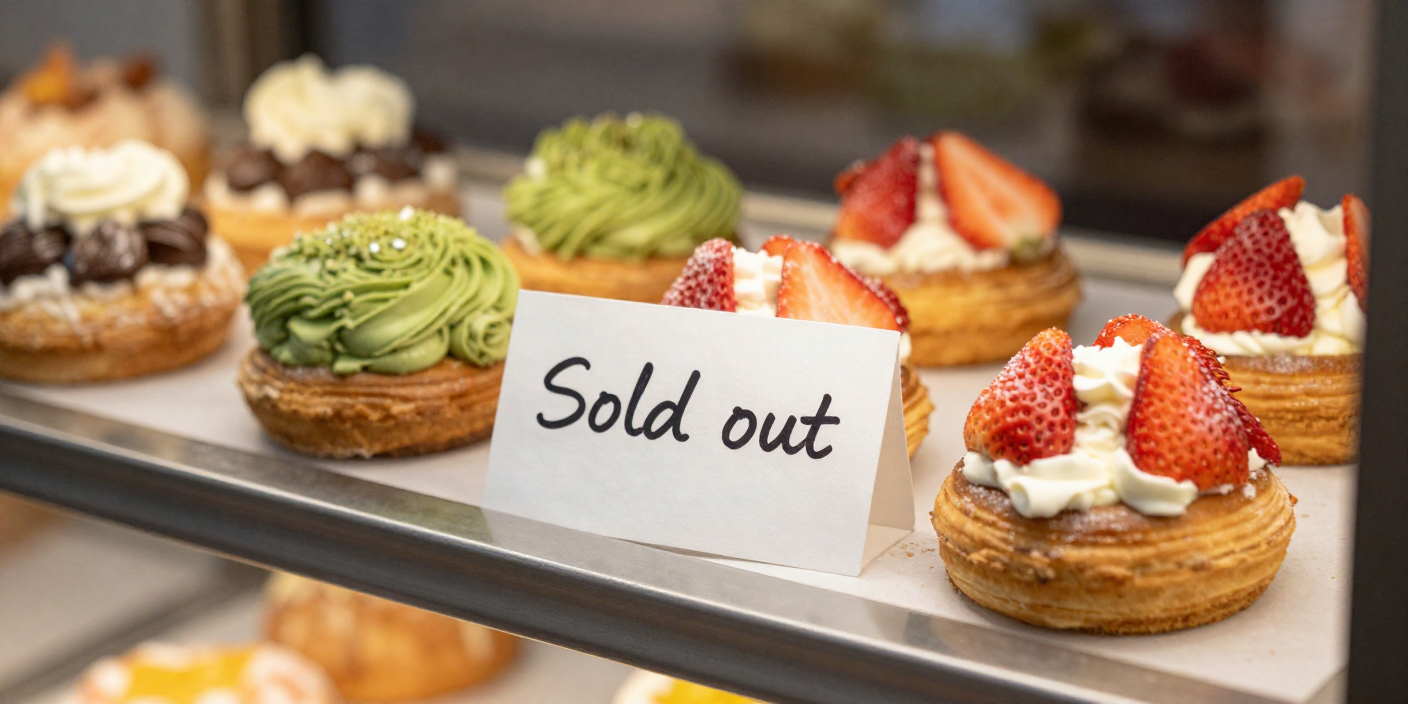
Imagine a customer walks into your bakery. They have been craving your famous chocolate croissant all morning. They wait in line for ten minutes. When they finally reach the counter to order, your barista has to apologize and tell them it is sold out.
That moment completely ruins the customer experience. In a busy cafe, dealing with limited daily inventory is a constant challenge. However, how you communicate that inventory to your customers makes all the difference.
This is the reality of traditional point of sale systems. For decades, restaurants had no choice but to buy these large machines. Today, however, these older systems are holding independent cafes back. They are expensive, hard to update, and take up too much space. Here is why it is time to upgrade to a cloud based solution.
Why Printed Menus Often Fail During a Rush
When you use printed menus, you have zero flexibility. If you run out of an ingredient, your staff has to remember to tell every single customer before they order. Some cafes try to fix this by crossing out items with a pen, which looks unprofessional. Others use static PDF menus on phones, but those cannot be updated quickly either.
This creates a bottleneck at the billing counter. Customers spend time deciding on an item that does not exist, and your staff wastes time apologizing instead of making coffee.
The Power of Dynamic Digital Menus
The easiest way to solve this problem is by using a smart digital menu. When a customer scans a QR code on their table, they see your live inventory.
If the kitchen sells the last slice of cheesecake, the manager simply taps a button on their phone. The item instantly disappears from the digital menu for the next person who scans it. The customer never knows what they missed, and they happily choose something else that is actually available. This keeps the line moving and the customers happy.
Smarter Inventory with menus.
Our advanced inventory feature for menus makes this even easier. Our AI inventory manager will not just hide the sold out item. It will actually track your raw ingredients in real time. The system will automatically mark items as unavailable the moment your stock runs out.
Find more Community stories on our blog Tableside. Have a suggestion? Contact menus@devtoniq.com.